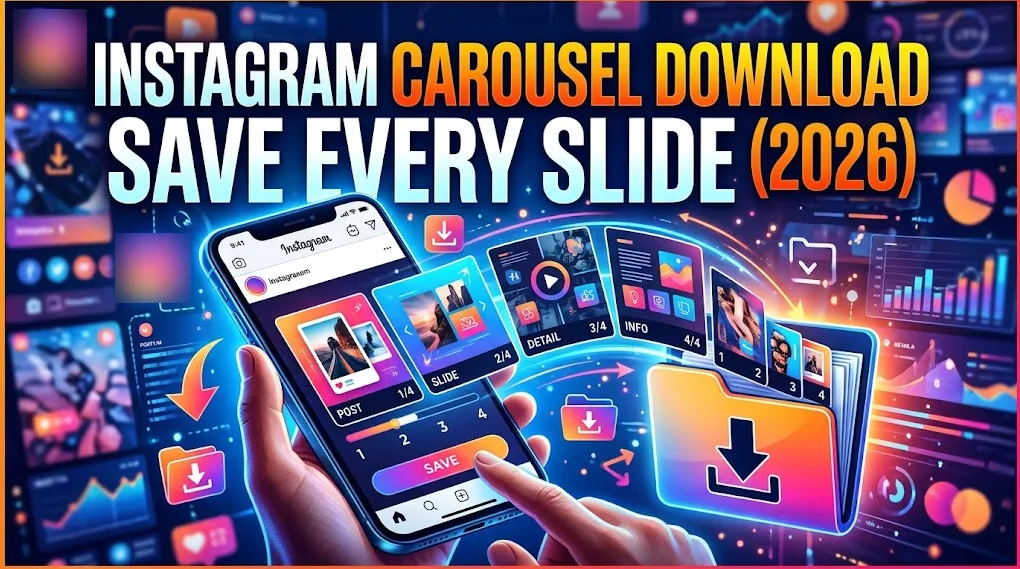
Instagram Carousel Download: Save Every Slide (2026)
Instagram carousel download made simple: copy the post link, paste it, and save every photo or video slide in high quality. Works on phone and PC.
Read article
Paste a public Twitter or X post link and save its video, GIF or photos in the best quality available.
Works with public posts on x.com and twitter.com that contain a video, a GIF or photos.
Not affiliated with X Corp. or Twitter. By using this tool you agree to our Terms of Service and Privacy Policy.
From the X app to your device in under a minute.
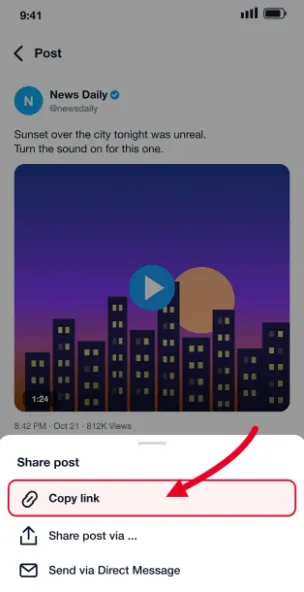
Open the post in the X app or on x.com, tap the share icon and choose Copy link.
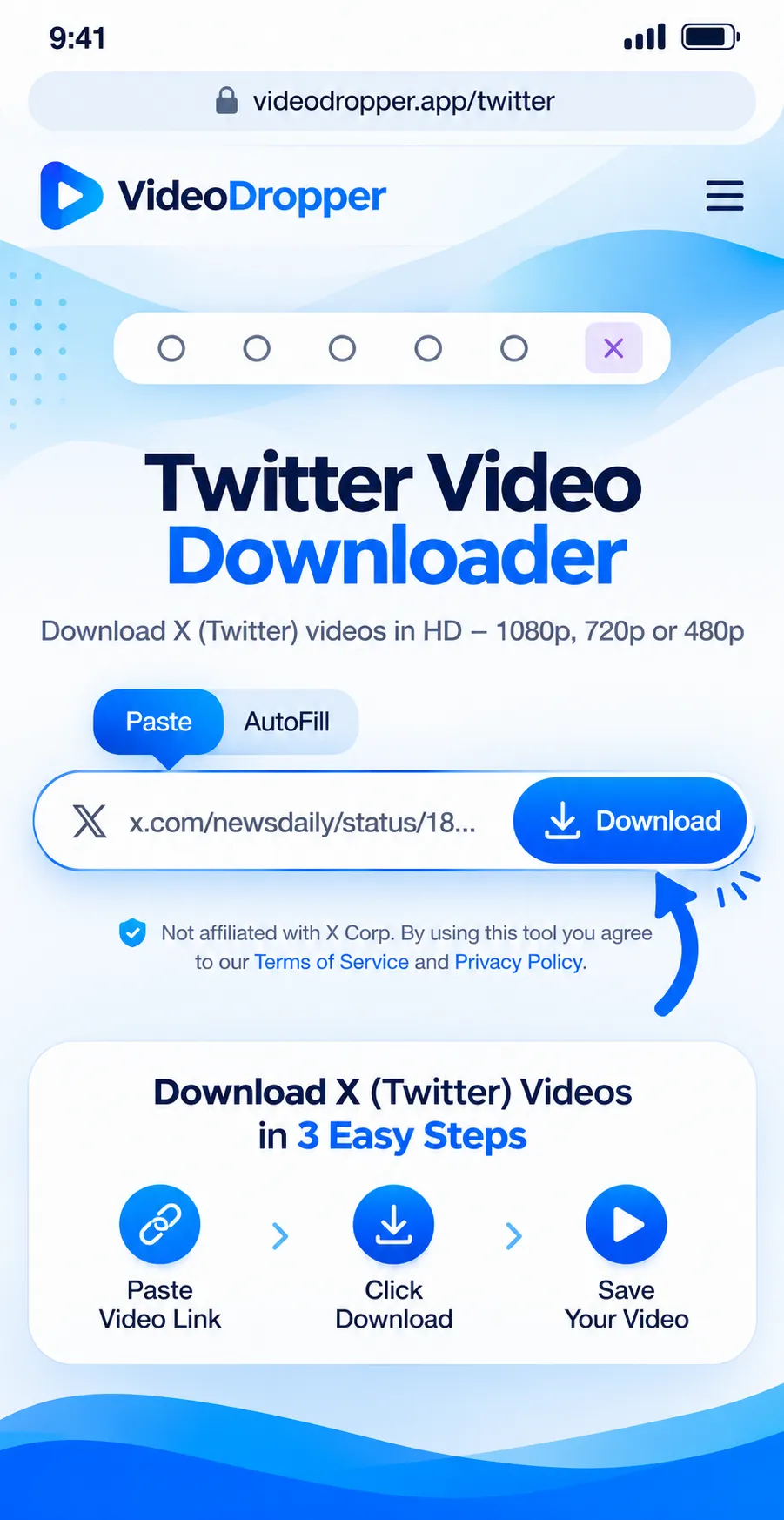
Come back here and press Paste, or drop the link into the box. We check the post for you.
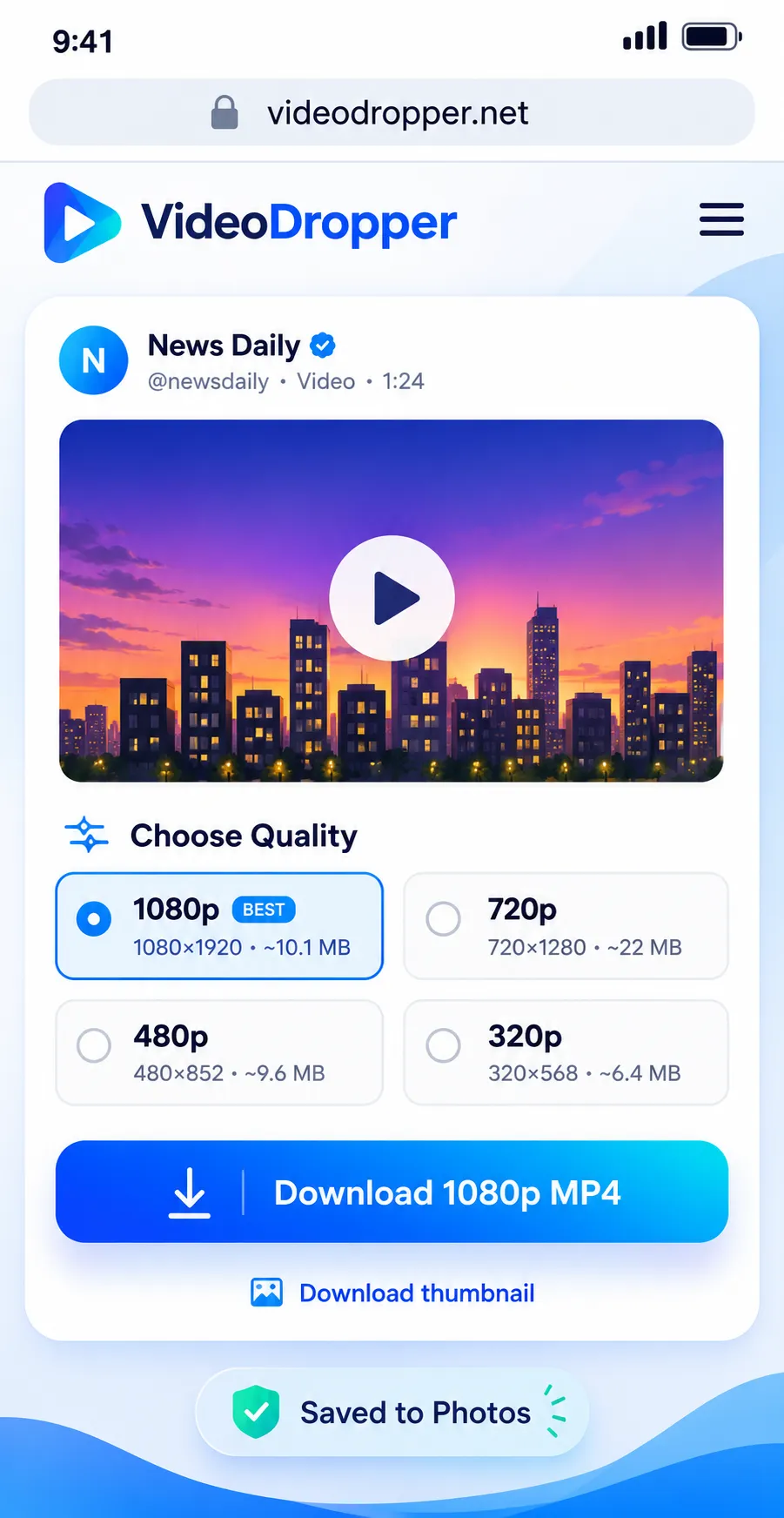
Watch the preview, then tap Download to save the MP4, or the photos, to your device.
Practical tips, tutorials, and strategies to elevate your Instagram experience.
 Instagram Photos9 min read
Oct 25, 2026 • 9 min read
Instagram carousel download made simple: copy the post link, paste it, and save every photo or video slide in high quality. Works on phone and PC.
 Guides9 min read
Oct 24, 2026 • 9 min read
Use an Instagram photo downloader to save Instagram photos and download Instagram images in full size. Free steps for iPhone, Android, PC and Mac.
 Audio6 min read
Oct 19, 2026 • 6 min read
Why the MP3 you save from Instagram can sound flat, thin or different from what you expected, and what a 320 kbps file can and can’t do about it.
 Audio4 min read
Oct 19, 2026 • 4 min read
Learn how to turn a public Instagram reel into a 320 kbps MP3 file, with clear steps, common problems, and what quality to expect.
 Guides5 min read
Oct 14, 2026 • 5 min read
Copy the Instagram link, paste it into VideoDropper in your browser, and save the MP4 on Windows or Mac. Includes where the file ends up and what to try if it doesn’t download.
 Guides4 min read
Oct 14, 2026 • 4 min read
Copy the link, paste it into VideoDropper in Chrome, and save the video to your Android phone. Includes how to find it in your gallery and what to do when it doesn’t show up.
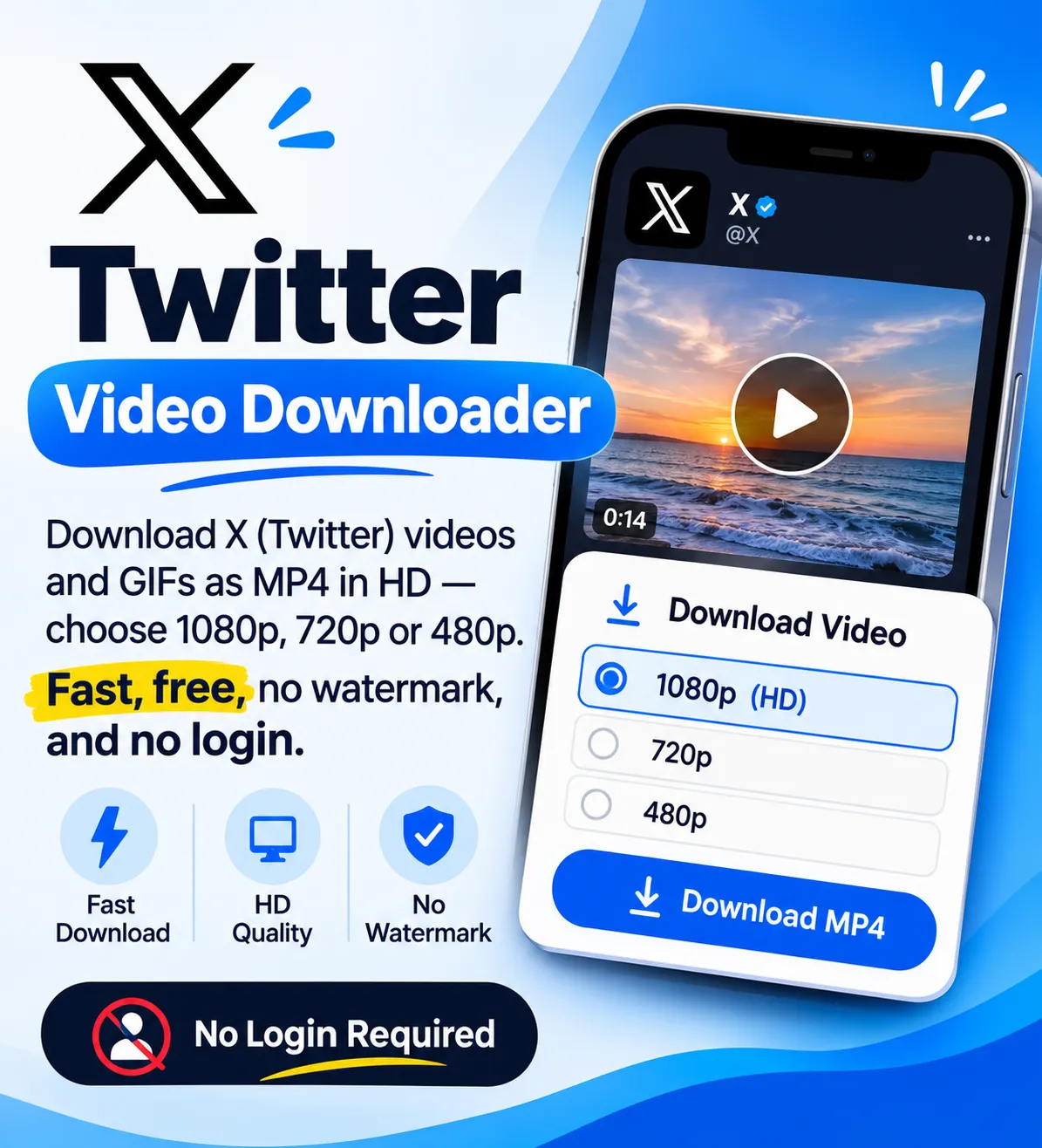
Twitter, now called X, lets you like and bookmark posts, but it never gives you the video file. If the author deletes the post or locks their account, the clip disappears from your bookmarks too. VideoDropper covers that gap for public posts: paste the link, check the preview and save a normal MP4 that plays anywhere.
For each video we list the largest version X stores and keep the sound with it. A post with several videos gets one download per video, GIFs save as short MP4 files, and photos come in the original size. When a video has sound you can also take it as an MP3. There is nothing to install and no account to create.
Only public posts work. Protected accounts and deleted posts stay out of reach, because we never log in to X. Download for personal reference, and ask the creator before you reuse or repost their work.
A post on X is only a link. The author can delete it, protect their account or lose it to a suspension, and it vanishes from your likes and bookmarks without a warning.
A copy on your own device stays put, with or without a connection. People usually save posts for these reasons.
Download once and play the clip on a flight or a train with weak signal, without opening X or waiting for it to buffer.
Authors delete posts, and accounts get locked or suspended. A saved copy keeps the tutorial, news clip or match highlight you wanted for your own reference.
If you lost the original file, a download of your public post is a quick way to get the video back.
An MP4 opens in your gallery, in VLC, in editing apps and in any messenger, so you can send a clip to someone who does not use X.
Journalists, researchers and social media managers keep public posts as reference. Credit the creator and get permission before you reuse anything.
For a speech, an interview or a song snippet you only want to hear, take the MP3 and play it in any music app.
Tap the share icon under the post, choose Copy link, then open VideoDropper in Safari and paste it. After you tap Download, confirm the prompt and find the file in the Files app.
Copy the link in the X app, paste it here in Chrome and tap Download. The MP4 goes to your Downloads folder and usually shows up in your gallery.
Copy the post's address from the browser bar, paste it above and click Download. Your browser saves the file to its usual downloads folder.
Built to do one job and stay out of your way.
We read the post straight from X and list the downloads within moments, so you do not sit through a loading screen.
X often stores a video in several sizes. We pick the largest one and show its resolution when X provides it.
GIFs save as small MP4 files, photos download at the original size, and a post with several videos gives each one its own button.
When a video has sound, you can also take the audio on its own as an MP3 at 320 kbps.
You never enter an X password. We do not log in to any account, and we do not keep the files you download.
Use it on iPhone, iPad, Android, Windows, Mac or Linux with any modern browser. A short per-minute limit keeps the service quick for everyone.
Real feedback from people who use VideoDropper to save Instagram media.
“Wow Good Site.....”
“Very Nice downloader, Twitter video download is extreamly fast.”
“Awesome, no ads, easy & free downloading.”
“Good, fast, free and easy to save reels.”
“I just found a great Instagram Reels downloader! Fast downloads, good quality, and super easy to use. Definitely worth trying!”
“Very easy way to download audio from a reel, within seconds got the mp3 file.”
Help us improve VideoDropper • Takes less than 1 minute
Quick answers about VideoDropper.
Yes. There is no charge and no account to create. To keep the service fast for everyone, we limit how many links one connection can check per minute.
Yes. Links from both x.com and twitter.com work. Paste whichever one the share menu gives you.
Yes. X stores GIFs as short MP4 clips without sound, so that is the file you get. Paste the post link and download it like any other video.
The largest version X stores for that video. X usually keeps several sizes of the same clip and we choose the biggest. We cannot go above what the author uploaded, so a low resolution upload stays low resolution.
Yes. When the video has sound, the result also shows an MP3 download at 320 kbps. GIFs have no sound, so they have no MP3.
The post is probably deleted, belongs to a protected account, or has no video, GIF or photo in it. We only read public posts and never log in, so private content cannot be reached. Media inside a quoted post is not read either, so paste the link of the original post instead.