How to Get an MP3 From an Instagram Reel (Step by Step)
October 19, 2026 · 4 min read
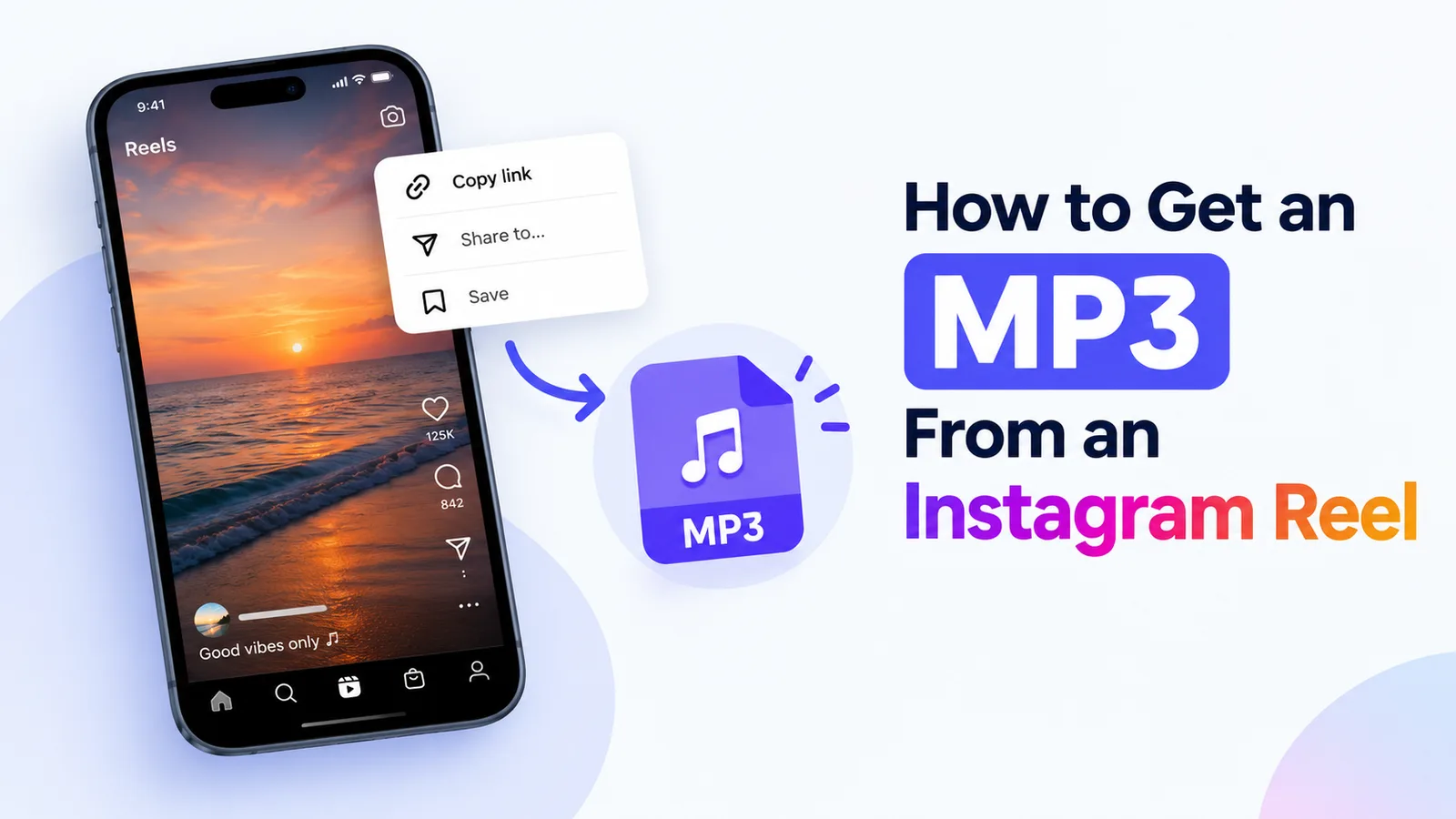
To turn an Instagram reel to MP3, copy the reel's link, paste it into the audio tool on VideoDropper, and download the sound as an MP3 at 320 kbps. This works for public reels only. If the account is private or the reel has no audio track, there is no sound to extract.
What you need before you start
You need the link to a public Instagram reel and a browser on your phone or computer. In most versions of the Instagram app, you can open the reel, tap the share icon, and choose Copy link. On a computer, the link is in the share menu on instagram.com. If you cannot copy a link, the reel is probably private.
Step-by-step: Instagram reel to MP3
- Open the reel and copy its link from the share menu.
- Open the audio download page on VideoDropper in your browser.
- Paste the link into the input box and start the search.
- Check the preview to make sure it is the reel you meant, then choose the MP3 audio option.
- Save the file. On iPhone it usually goes to the Files app. On Android it usually goes to the Downloads folder. The exact location depends on your browser settings.
Why it might not work
The reel is from a private account
The tool can only read public posts, so a private reel will not load. If you have the account owner's permission, ask them to make the reel public or to send you the audio another way.
The reel has no audio track
Some reels are silent or use only a video track. Play the reel with the sound on inside Instagram first. If nothing is audible there, there is no MP3 to save.
The link was copied incorrectly
A link with extra text, a cut-off ending, or a profile address will not work. Copy the link from the reel's share menu and paste the whole thing.
The tool does not respond
Wait a few minutes, refresh the page, and paste the link again. If the same reel fails every time, the tool may not be able to read it, and you can try again later.
What quality to expect
The MP3 is encoded at 320 kbps, which is the highest bitrate the MP3 format normally uses. The file can only sound as good as the audio in the original reel. If the source sound is quiet, compressed or muffled, the MP3 will sound the same way.
Using the MP3 legally
Saving audio from a reel does not give you the right to reuse it. Only save and use audio that you own, that you have permission to use, or that you are otherwise allowed to keep. Our Terms and Disclaimer pages explain more. If you are unsure whether a use is allowed, ask the creator before you share or publish the audio.
Related guides
If you need the video as well as the audio, read how to download an Instagram reel step by step. Phone users can follow the guide to save an Instagram video on iPhone or to download an Instagram video on Android. For a laptop or desktop, see the PC and Mac guide.
Frequently asked questions
How do I extract audio from an Instagram video?
Copy the link to the public post, paste it into the audio tool, and download the MP3. The same steps work for a reel or a regular video post, as long as the post is public and has sound.
Is the MP3 the same quality as the original?
It is encoded at 320 kbps, but it cannot be better than the sound in the reel. If the original audio is compressed or quiet, the MP3 will reflect that.
Can I get an MP3 from a private Instagram account?
No. The tool works with public posts only, so private content will not load.
Why is there no audio option for my reel?
The reel may have no sound track. If you hear sound in the Instagram app, copy the link again and try once more. Silent reels have nothing to extract.
Ready to try it? Open the VideoDropper audio tool to get the MP3 from a public reel, or use the reel downloader if you also want the video.