How to Download Pinterest Video on iPhone, Android & PC (2026)
November 6, 2026 · 9 min read
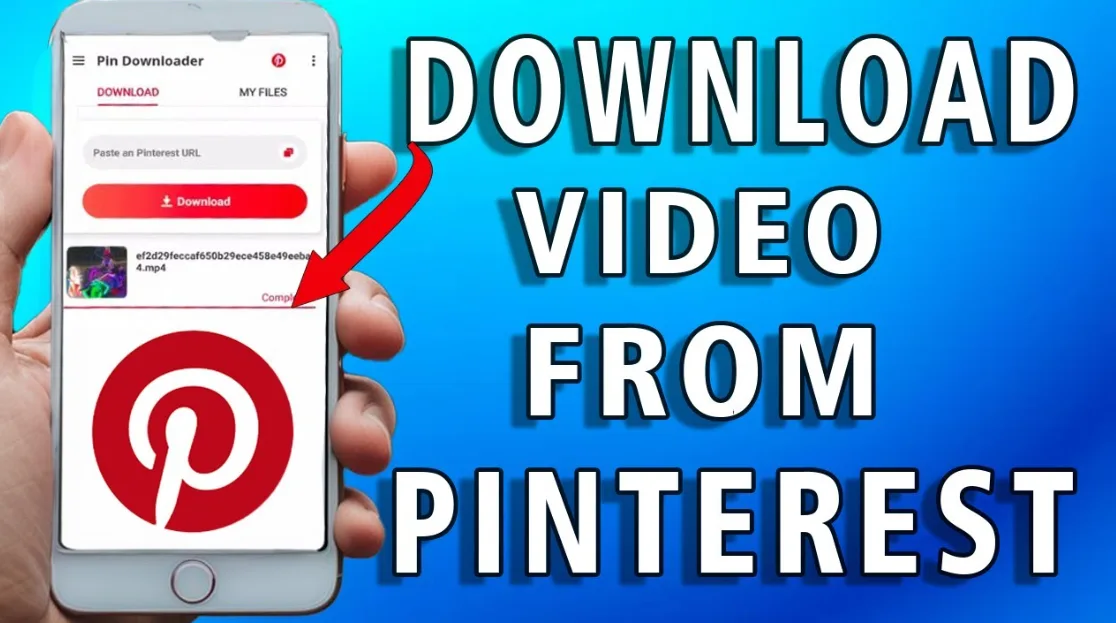
The short answer: to download a Pinterest video, open the Pin, tap the three-dot menu and choose Download. If that option is missing, copy the Pin link and paste it into a Pinterest video downloader online. Both routes give you an MP4 you can keep on your phone or computer.
This guide shows how to download Pinterest video on iPhone, Android and PC, including what to do when Pinterest hides the download button. It was last checked in November 2026.
Table of Contents
- Can you download Pinterest videos?
- Which method should you use?
- Download Pinterest video on iPhone
- Download Pinterest video on Android
- Download Pinterest video on PC or Mac
- Pinterest video to MP4: what to expect
- Save Pinterest video to gallery
- Why the download button is missing
- Is it safe and legal?
- FAQ
Can you download Pinterest videos?
Yes, but not always from inside Pinterest. Pinterest lets creators decide whether people can download their full-screen video Pins. Its own announcement says downloaded videos carry a watermark with the creator's name and username, and that the feature works on iOS and Android. If the creator switched downloads off, or the Pin is not an eligible format, you will not see the option.
Saving a Pin is a different thing. Save only adds the Pin to one of your boards. It does not put a video file on your device. Downloading does.
Which method should you use?
| Method | Works on | Watermark | Best for |
|---|---|---|---|
| Built-in Download button | iPhone, Android | Usually yes | Quick saves when the option appears |
| Online downloader (paste link) | iPhone, Android, PC, Mac | Depends on the source file | Pins with no download button, MP4 files |
| Screen recording | iPhone, Android, PC | No, but quality drops | Last resort |
Start with the built-in button because it takes two taps. When it is not there, an online tool is the fastest fix. Screen recording works, but you also capture notifications, buttons and the progress bar, and the quality is lower than the original file.
Download Pinterest video on iPhone
Option 1: Use Pinterest's built-in download
- Open the Pinterest app and tap the video Pin so it opens full screen.
- Tap the share arrow or the three-dot menu.
- Tap Download if it appears.
- Allow access to Photos if iOS asks.
The video lands in your Photos app, usually in Recents.
Option 2: Use an online downloader in Safari
If there is no Download option, this is the reliable way to download Pinterest video on iPhone.
- In the Pinterest app, open the Pin, tap Share, then Copy link.
- Open Safari and go to the Pinterest video downloader.
- Paste the link and tap the download button.
- When Safari asks, tap Download. The file goes to the Downloads folder in the Files app.
- Open Files, tap the video, then tap the share icon and choose Save Video to move it into Photos.
Use Safari for this. Other iPhone browsers sometimes play the video instead of saving it.
Download Pinterest video on Android
Option 1: Use the Pinterest app
- Open the video Pin in the Pinterest app.
- Tap the share icon or the three-dot menu.
- Tap Download. The video is saved to your phone's gallery.
Option 2: Use a downloader in Chrome
- Tap Share on the Pin, then Copy link.
- Open Chrome and paste the link into Video Dropper, or go straight to the Pinterest page.
- Tap the download button and choose MP4.
- Open your Downloads folder or the Files app to find the video.
On most Android phones, new downloads show up in Google Photos or the Gallery app after a few seconds. If yours does not, see the gallery section below.
Download Pinterest video on PC or Mac
Pinterest on desktop does not offer a video download button for most Pins, and right-clicking the player usually does not give you a save option. A link-based tool is simpler than hunting through browser extensions.
- Open the video Pin on its own page, not in a board or search preview.
- Copy the URL from the address bar.
- Open the Pinterest video downloader and paste the URL.
- Click download and pick the MP4 option.
- Check your Downloads folder.
Pinterest short links (the ones starting with pin.it) usually work too, so you can paste whatever the Share button gives you.
Pinterest video to MP4: what to expect
MP4 is the format you want. It plays on iPhones, Android phones, Windows, Mac, TVs and nearly every editing app. When you convert a Pinterest video to MP4 with a downloader, you get one standard file rather than the streamed pieces the Pinterest player uses.
- Quality: you can only get what the creator uploaded. A downloader cannot add resolution that was never there.
- Sound: some Pins are silent at the source. If the original has no audio, the download will not either.
- Image Pins: a Pin that looks like a video but is really a still image or a cover frame will not give you an MP4. Play it on Pinterest first to confirm.
If you also save short clips from other platforms, the same approach works for Instagram Reels.
Save Pinterest video to gallery
A downloaded file is not always in your gallery. Here is where it ends up and how to move it.
- iPhone: Pinterest's own download goes straight to Photos. Browser downloads go to Files. Open the file and use Save Video.
- Android: files go to the Downloads folder. Open Files, long-press the video, and move or copy it into the DCIM or Movies folder so the gallery picks it up.
- Still missing? Restart the gallery app, or check that the file ended in .mp4 and finished downloading.
Why the download button is missing
| Problem | Likely cause | Fix |
|---|---|---|
| No Download in the menu | Creator turned downloads off, or the Pin is not an eligible format | Copy the link and use an online downloader |
| Downloader finds nothing | You pasted a board or search link | Open the single Pin and copy its link |
| Only an image downloads | The Pin is a still image or only a cover is available | Confirm the Pin plays as a video |
| Video has no sound | The source file is silent | Check the original Pin |
| Video plays but does not save | Browser opened it instead of downloading | Use Safari on iPhone or Chrome on Android, then retry |
Is it safe and legal?
Downloading a video for personal viewing is generally low risk. Re-posting it is where trouble starts. The video belongs to its creator, so do not upload it as your own, and credit the creator if you share it. Check Pinterest's Help Center for how Pin downloads work and what is allowed.
On the safety side, a few habits help:
- Never install an app or extension just to download one video if a web tool will do.
- Close any page that asks you to allow notifications or install something before it gives you the file.
- Only enter the Pin link. A genuine downloader never needs your Pinterest password.
FAQ
How do I download a Pinterest video?
Open the video Pin and tap the three-dot or share menu, then choose Download. If you do not see it, copy the Pin link, paste it into an online Pinterest video downloader, and save the MP4 file.
How do I download a Pinterest video on iPhone?
Use the Download option in the Pinterest app if it appears. Otherwise copy the link, paste it into a downloader in Safari, tap Download, then open the file in the Files app and tap Save Video to add it to Photos.
How do I save a Pinterest video to my gallery?
The built-in Download button saves directly to your gallery or Photos. With a downloader, the file lands in Downloads first. On iPhone use Save Video from Files. On Android move the file into the DCIM or Movies folder.
Can I convert a Pinterest video to MP4?
Yes. A Pinterest video downloader online gives you the video as an MP4 file. The quality matches what the creator uploaded.
Why can't I download some Pinterest videos?
The creator may have disabled downloads, the Pin may not be an eligible video format, or the link you pasted may point to a board instead of a single Pin.
Does Pinterest add a watermark to downloaded videos?
Videos saved with Pinterest's own download button carry a watermark showing the creator's name and username. Files from other sources depend on what is available in the original Pin.
Do I need an app to download Pinterest videos?
No. A browser-based tool works on iPhone, Android, Windows and Mac without installing anything.
Next time a Pin has no Download button, copy its link and try the Pinterest video downloader. It takes about thirty seconds.